Table of Contents
Jump to section with the links below.

TechChange – Mercy Corps
Mercy Corps is a global humanitarian aid organization, that aims to instruct humanitarian leaders around the world in inclusive energy access efforts. Marion played a principle role in creating the course content and website layout for Mercy Corps in order to achieve this goal. She also scripted and designed videos for the course that were used as course content and as promotional materials. A sample video can be found below.
Welcome to Inclusive Energy Access Video
In this video, Marion aimed to portray the major concepts of the “Inclusive Energy Access” course both as an introduction for new participants and to advertise the course to new audiences. She was responsible for developing the script and storyboard for the course (found below). In order to produce this video, Marion presented weekly updates to the client (Mercy Corps) and remained in regular contact with the video’s animators, designers, and voice actors.


Designing Course Assets
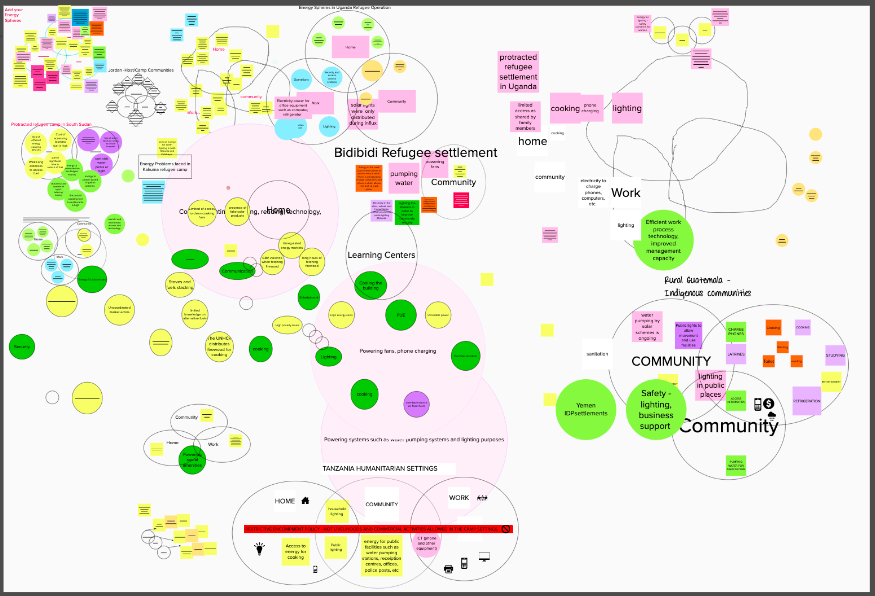
Marion played a principal role in developing and editing the Inclusive Energy Access course, including the conceptualization of images to highlight and simplify important course material. When creating online courses for her clients, Marion Comi-Morog most highly values participant engagement. Unlike in-person courses, where attention can be ensured, online work can encourage distraction. Therefore, such images are designed to pull readers’ attention to important concepts to facilitate learning. In addition to these images, Marion specializes in creating online activities for participants to complete together. Discussion threads, Mural boards, and live events create a sense of community when students are spread across the globe (example below).
In this activity, participants were asked to think about the energy spheres in their communities, making a list of the most pressing energy needs for women and girls. They then joined a discussion thread to discuss the relationships and patterns found on the Mural board.

Articulate Creation Process
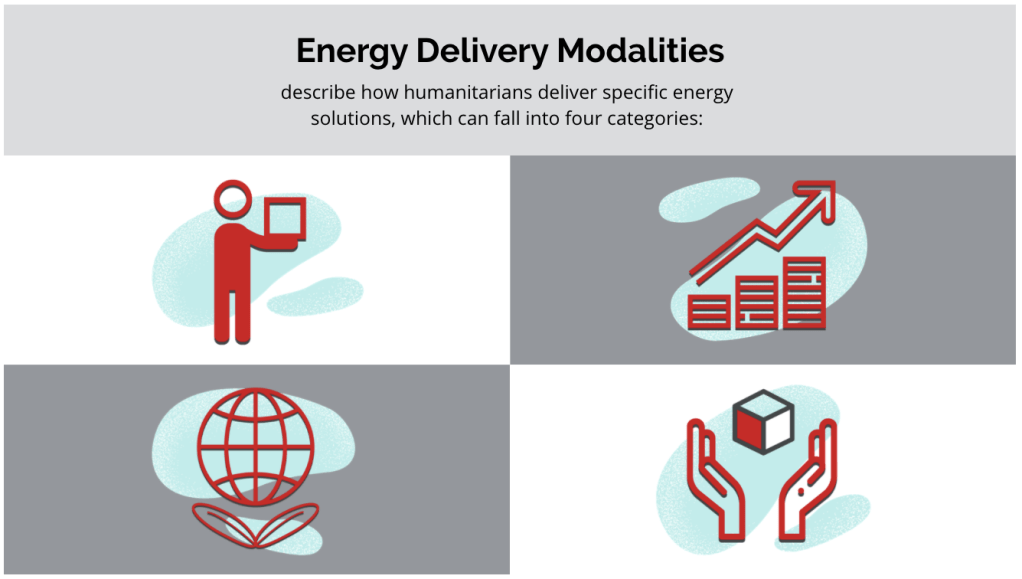
Because they are dynamic, the process of conceptualizing and creating an articulate is often more complex than with illustrated assets. However, they also provide real benefits to a course, allowing participants to interact with content and to use critical thinking. Marion conceptualized several articulates for Mercy Corps and other clients (two samples over to the right!)
- Step 1: Where is there a complex concept that might require additional explanation? These are the places to start building out articulates. Marion identifies such places and works within the client’s budget to develop them.
- Step 2: Create a reference image for the animator. In this stage, Marion brainstorms how to make the articulate as engaging as possible. How can viewers interact in a new way?
- Step 3: Send an official articulate request to the animator, which includes the reference image, color scheme, visual description, and any text files.
- Step 4: Communicate with the client to receive feedback and approval of the articulate. Once the client approves the articulate, it is loaded into the course!


TechChange – Facebook
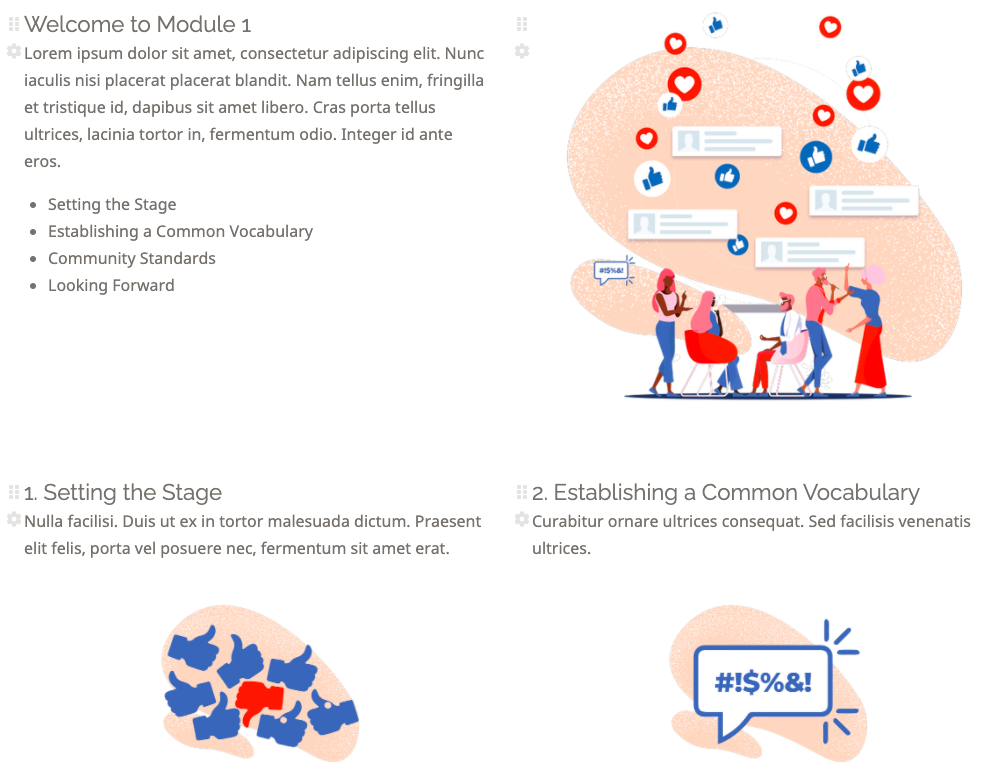
Through her work with TechChange, Marion has had several opportunities to design content with Facebook: from a Trusted Partner Training course which taught content moderation for Facebook’s platform, to a Gender Data course and event series that demonstrated how gender data could be used as a tool for impactful change. Facebook’s courses reach thousands of users, all seeking an engaging and meaningful experience. How can such an experience be cultivated? Through good content, yes. And intentional design practice.
Click any image to enlarge.
Step-by-Step Design Process:
Step 1: Where is there a need for visuals? Which visuals, if created, could be reused throughout the course? Marion ideates and develops asset requests, which she sends to the TechChange illustrator with a description, color scheme, and reference image created in Photoshop.
Gender Data Course and Series


Trusted Partner Training:


Step 2: The illustrator is given a deadline to provide final asset images, pending client approval. Marion is responsible for tracking the final image submissions and for an initial review. If there are sizing errors, miscommunications, etc., she contacts the illustrator to request edits before meeting with the client.




Step 3: With these images, Marion designs the course website. Rather than force participants to sort through large blocks of text, she aims to make the layout more appealing and thereby to simplify the major concepts. Marion reviews the course design with the clients for final approval, making any last edits as needed.
A course is created!

Good Karma Ranch – Website Design
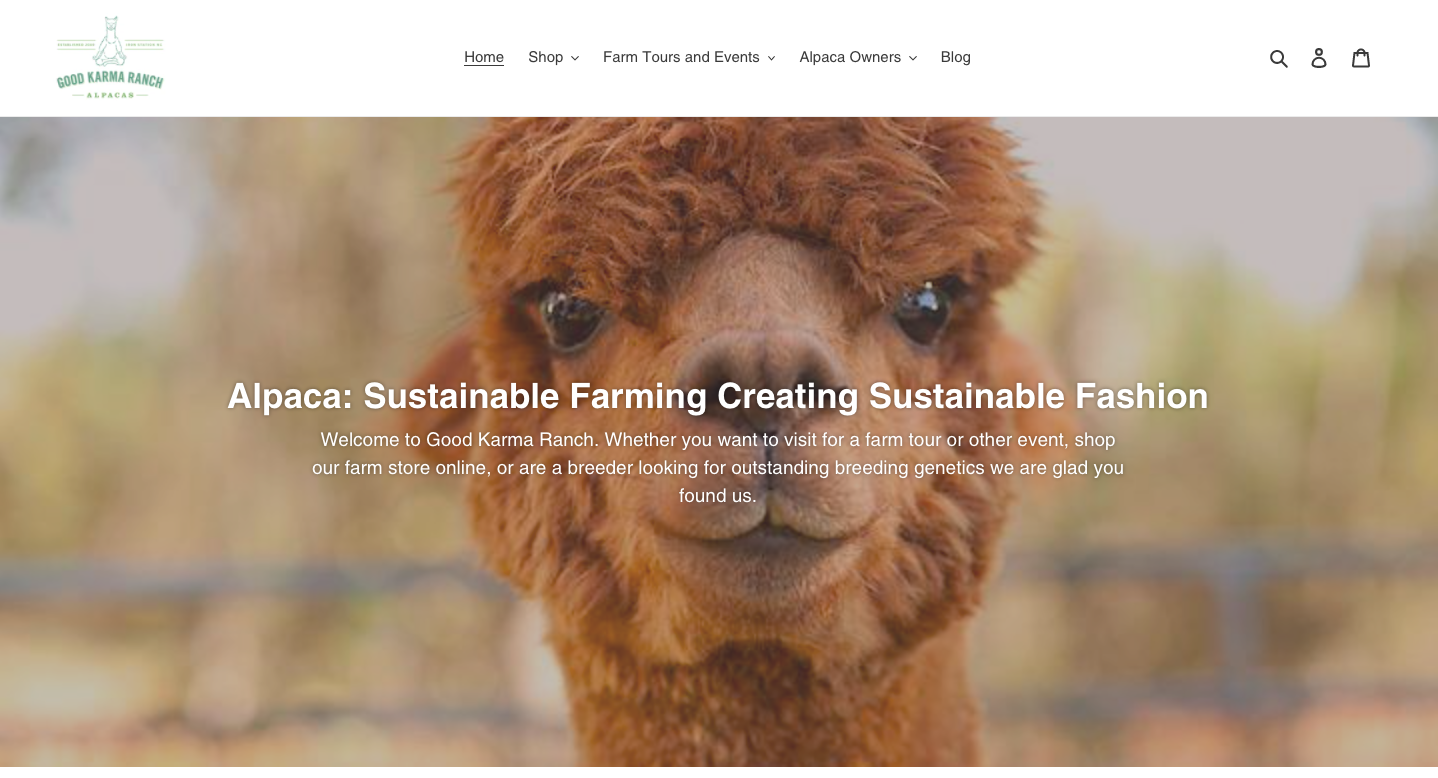
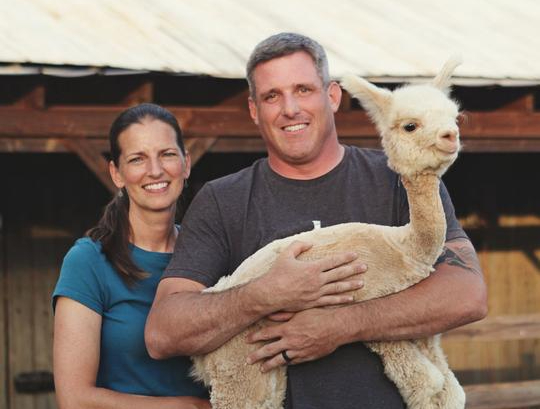
Good Karma Ranch is a small, family-run farm in North Carolina focused on farming the renewable resource of alpaca fiber in a sustainable manner. Their company website, however, was outdated and lacked security, causing unwanted ads for pills and other websites to be randomly embedded within the text. Good Karma Ranch hired Marion to secure their website and to update it for easier use. By communicating directly with the company owners, Marion was able to develop a remodeled website that integrated store features, event bookings, and a company blog. Upon completing the site, Marion transitioned to a marketing mindset: setting up a Facebook Pixel, Ryte for SEO, and demonstrating other analytic plugins that could track site viewers and send automatic emails to customers. This opportunity allowed Marion to utilize what she had learned in the classroom regarding Digital Design and marketing, applying it to a real-world client. Challenge completed!
All illustrated images were conceptualized by Marion Comi-Morog for TechChange clients. Illustrated by Yohan Perera.
 Marion Comi-Morog